Instant Browser Access
Open luckyelf.app on any browser, enter your registered email and password, and you are in. No plugins or downloads required for desktop or mobile browser play.
Everything About the Login at LuckyElf Casino
Access your account in seconds via desktop browser, mobile browser, or the LuckyElf Android app.
Account Security Checklist
What You Should Do
What You Should Avoid
How Your Login Works
Instant Browser Access
Open luckyelf.app on any browser, enter your registered email and password, and you are in. No plugins or downloads required for desktop or mobile browser play.
Secure and Encrypted Sessions
Every login session is protected by SSL encryption. Optional two-factor authentication adds a second verification step that blocks unauthorised access even if your password is compromised.
App and Mobile Browser Login
Use the LuckyElf Android APK for a streamlined login experience with biometric unlock, or open the mobile site in Safari or Chrome on any iOS or Android device.
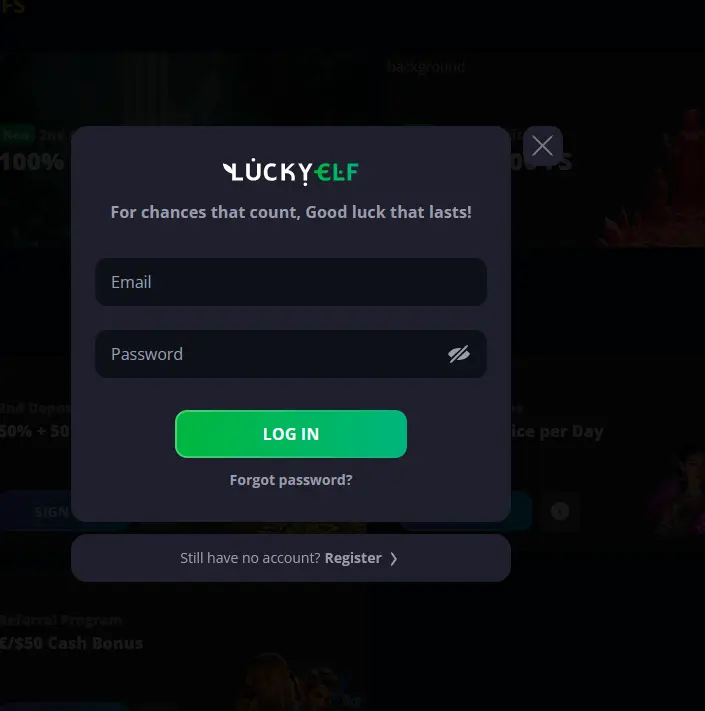
LuckyElf Casino supports three convenient ways to access your account: a standard browser session on desktop, a mobile browser on any iOS or Android device, and the dedicated LuckyElf Android APK. All three methods connect to the same account and real-money balance, so you can switch between them without any interruption to your play history or active bonuses.
Open your preferred browser and navigate to luckyelf.app. Click the login button in the upper area of the page, enter the email address you registered with, and type your password. Click to confirm and your account dashboard will load. If you have enabled two-factor authentication, you will be prompted to enter the verification code before access is granted.
On any smartphone or tablet, open Chrome, Safari, or your preferred mobile browser and go to luckyelf.app. The site adapts automatically to your screen dimensions. Tap the login button, enter your credentials, and proceed. iOS users can also tap the share icon in Safari and select “Add to Home Screen” to create a shortcut that launches the site in a near-native view.
If you have installed the LuckyElf Android APK, tap the app icon to launch it. The login screen appears immediately. Enter your email and password, or use biometric authentication if you have set it up through your account security settings. The app loads your game library and account information without requiring the browser overhead, which can make the experience noticeably faster on older devices.
Most login problems at LuckyElf come down to one of four causes: an incorrect email address, a mistyped password, a temporarily locked account, or a session cookie conflict in the browser. Try clearing your browser cache and cookies first. If you are confident your credentials are correct but the login fails, use the “Forgot Password” link to initiate a secure reset. A link will be sent to your registered email address.
If your account has been temporarily locked following multiple incorrect attempts, our 24/7 live chat team can verify your identity and restore access. For security reasons, agents cannot bypass verification, so have your account details ready. You can also reach us at [email protected].
LuckyElf Casino applies SSL encryption to every session, whether you are logging in through the browser or the Android app. Enabling two-factor authentication is the most effective step you can take to protect your account beyond a strong password. This can be activated through the security section of your profile settings once you are logged in. The biometric login option in the Android app, which uses your fingerprint or face ID depending on your device, provides the same level of protection with added convenience.
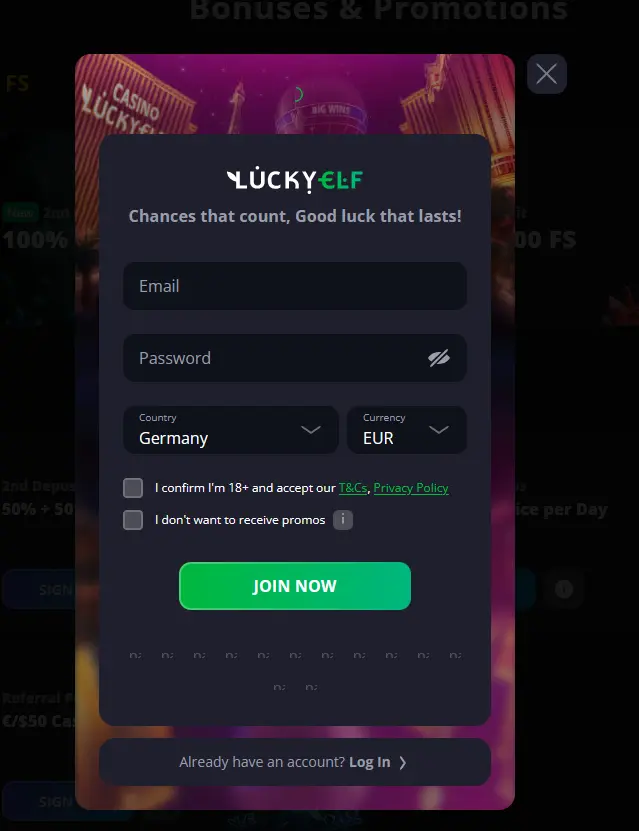
If you do not have a LuckyElf account, registration is available directly on the website. The process takes under two minutes and asks only for your email address and a password to get started. After email verification, your account is active and you can explore the full lobby. New players qualify for the welcome package of up to A$8,000 and 350 free spins across four deposits. 18+ only. T&Cs apply. Please gamble responsibly.
Login Questions Answered
Click 'Forgot Password' on the login page, enter your registered email address, and follow the reset link sent to your inbox. The link is valid for a limited time, so complete the process promptly.
LuckyElf applies an automatic lockout after multiple incorrect password entries as a security measure. Contact our 24/7 live chat team or email [email protected] to have the block reviewed and lifted.
Yes. Open Safari or any mobile browser and navigate to luckyelf.app. The site is fully responsive, so you can log in and access your account, the lobby, and the cashier without installing any app.
Back to the Action
Grab 100% up to A$8,000 and 350 free spins.
Enter the Casino Casino games carry a risk of gambling addiction. You must be at least 18 years old to play. All bonus offers are governed by their own terms and conditions.